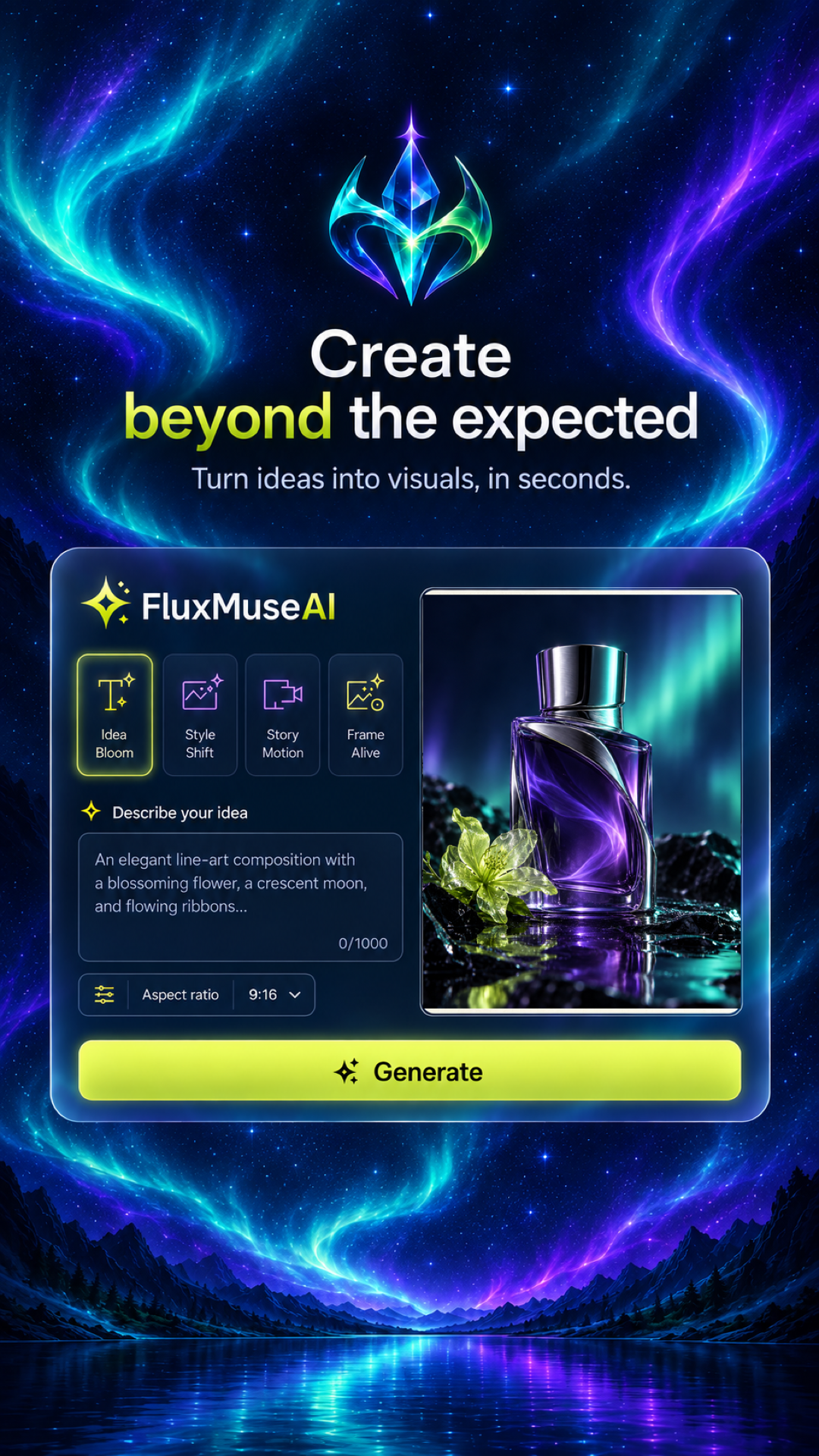
Create beyond the expected.
Turn ideas into visuals, in seconds. Available as FluxMuse Studio on iOS and FluxMuse AI on Android. Same shared creative universe, customized for your device.


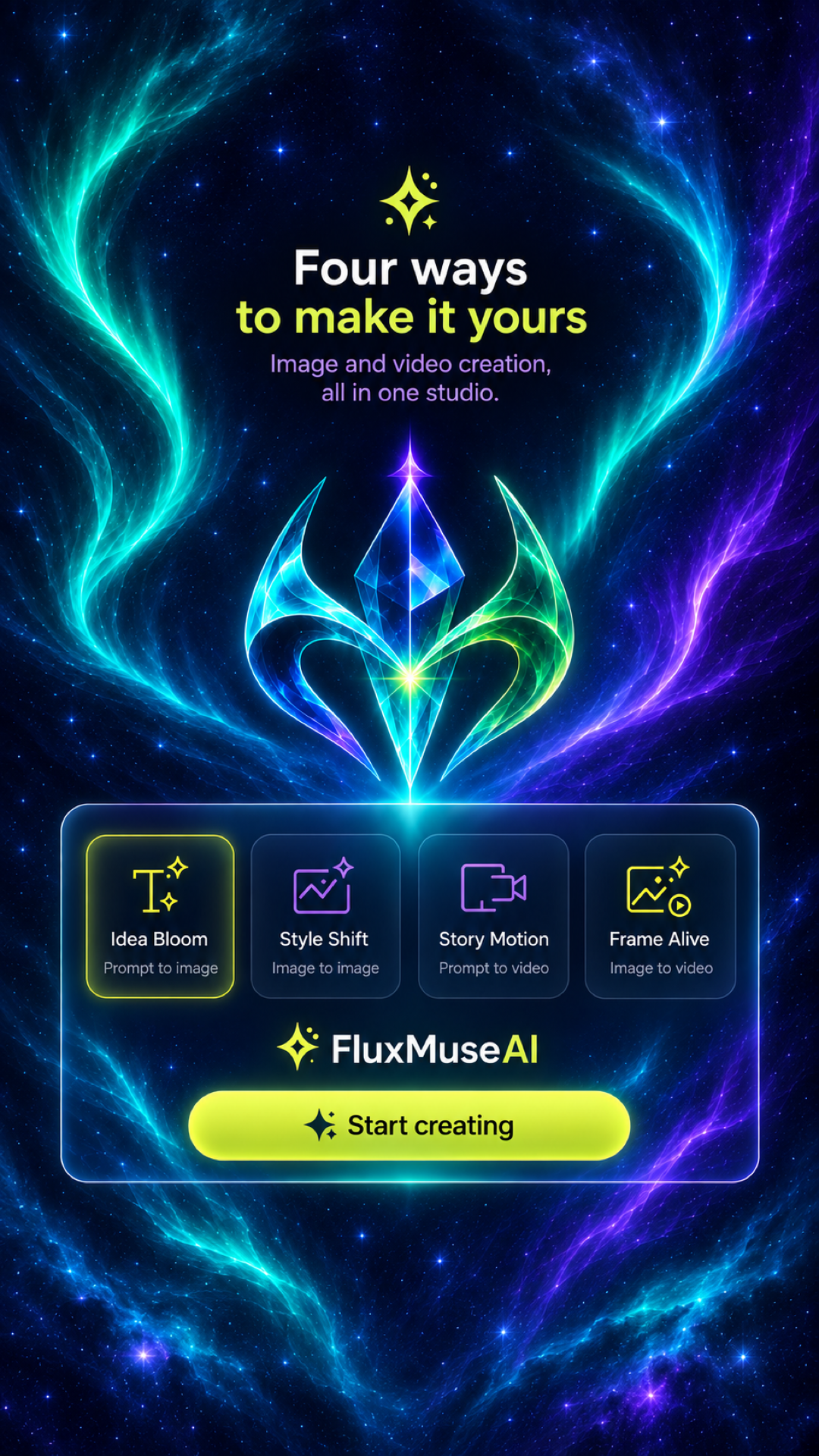
Four ways to make it yours
Image and video creation, unified into a single streamlined Aurora Glass studio.
Idea Bloom
Describe your concept in natural words. Watch the studio materialize high-definition compositions with vivid atmospheric depth.
Style Shift
Transform any reference photograph using tailored prompts or curated template recipes. Re-render aesthetics while preserving subject integrity.
Story Motion
Breathe dynamic cinematic energy into text prompts. Generate 5, 10, or 15-second flowing video clips with temporal consistency.
Frame Alive
Bring still photos into living motion. Add volumetric particle lighting, camera sweep, and natural motion to static moments.
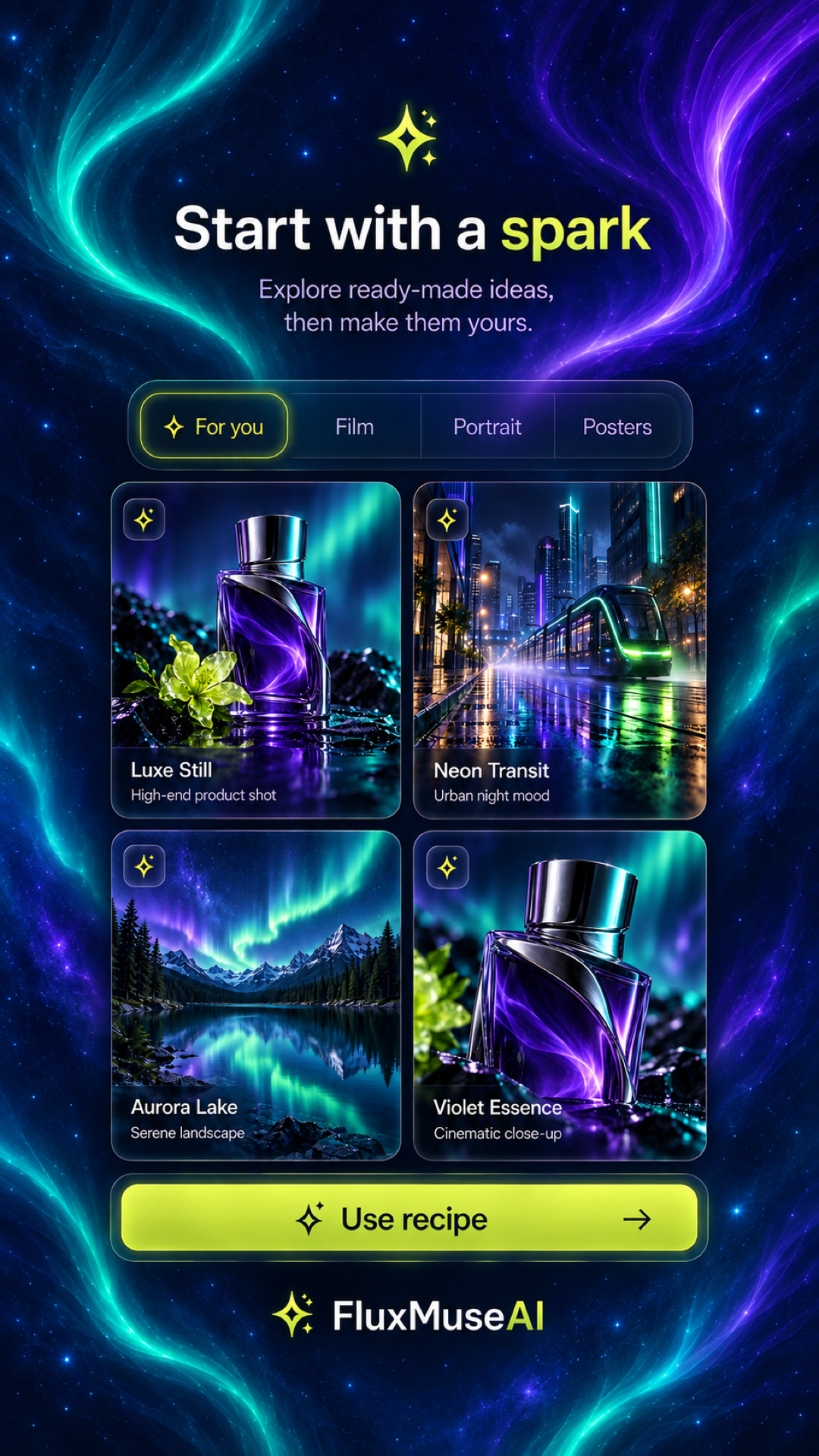
Start with a spark
Explore server-provided collections across multiple creative categories. Preview a signature look, load its exact recipe, and make the vision uniquely yours.
- Curated Categories — For you, Film, Portrait, and Artistic Posters.
- Pre-Tuned Aesthetics — Luxe Still product photography, Neon Transit urban nightscapes, and Aurora Lake horizons.
- Full Control Before Submission — Format, duration, and reference images stay customizable.
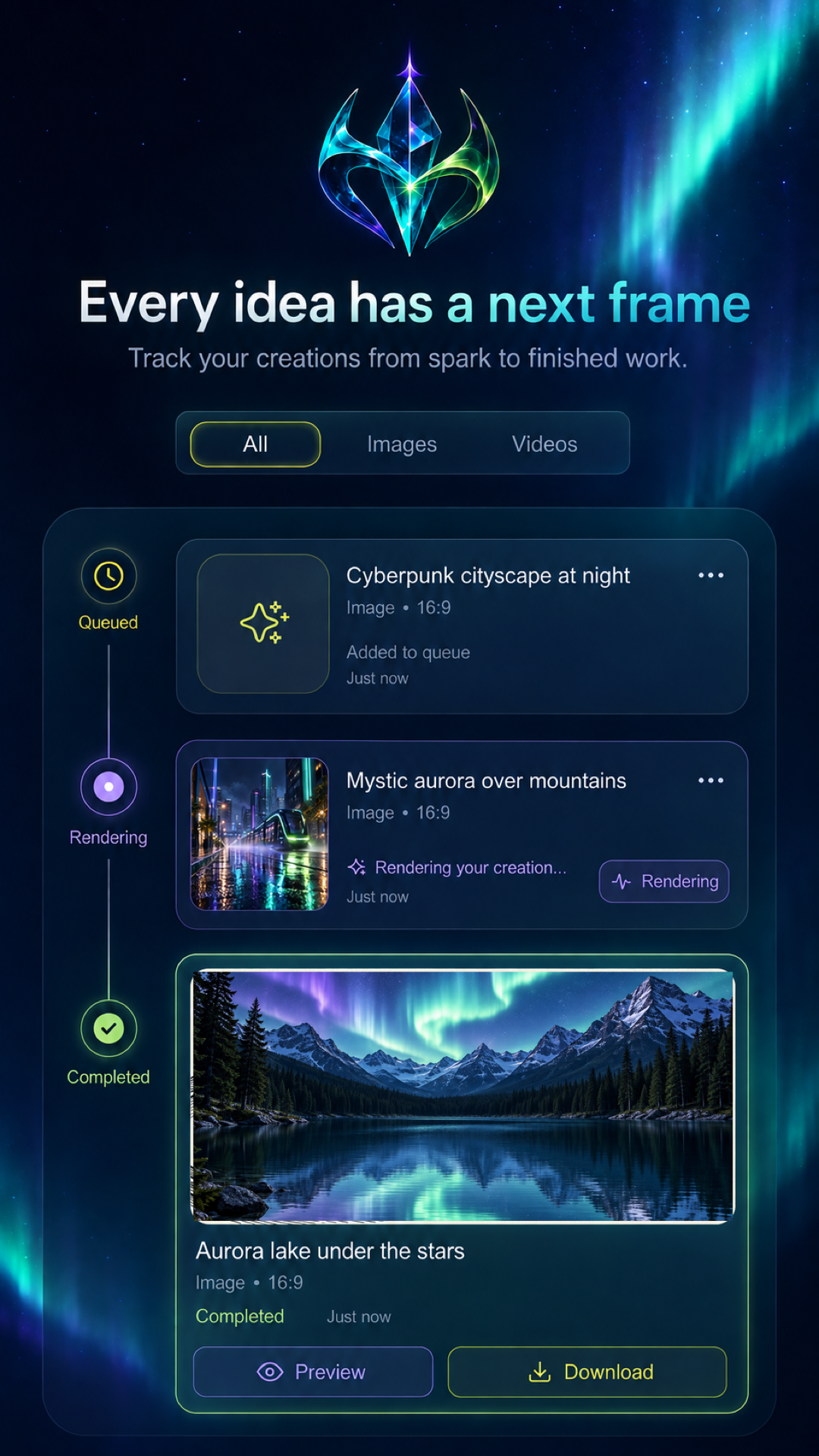
Every idea has a next frame
Track creations from submission to finished results. The dedicated Works tab keeps queued, rendering, completed, and archived jobs organized in one place.
- Live Progress Telemetry — Watch your tasks advance through Queued, Rendering, and Completed stages.
- Filter & Archive Management — Filter by Images or Videos, preview results in full quality, and download or delete anytime.
- Guest & Email Freedom — Start immediately as a guest, view credit balances, and link an email account when you're ready.
Zero Guesswork Creation
From initial concept to full-resolution export
Queued & Prepared
Your prompt, aspect ratio, reference images, and duration parameters are locked in and dispatched to high-throughput cloud clusters.
Neural Rendering
Multi-pass diffusion and frame synthesis compute cinematic lighting, intricate textures, and realistic motion vectors.
Completed & Saved
Full-resolution media is delivered to your Works gallery. Instantly preview, download to device, or export to social media.
Crafted for visual storytellers
Official Android application screenshots showing the refined Aurora Glass design.